Okay. You just set up Hadoop on a single node on a VM and now wondering what comes next. Of course, you’ll run something on it, and what could be better than your own piece of code? But before we move to that, let’s first try to run an existing program to make sure things are well set on our Hadoop cluster.
Power up your Ubuntu with Hadoop on it and on Terminal (Ctrl+Alt+T) run the following command:
$ start-all.shProvide the password whenever asked and when all the jobs have started, execute the following command to make sure all the jobs are running:
$ jpsNote: The “jps” utility is available only in Oracle JDK, not Open JDK. See, there are reasons it was recommended in the first place.
You should be able to see the following services:
NameNode
SecondaryNameNode
DataNode
JobTracker
TaskTracker
Jps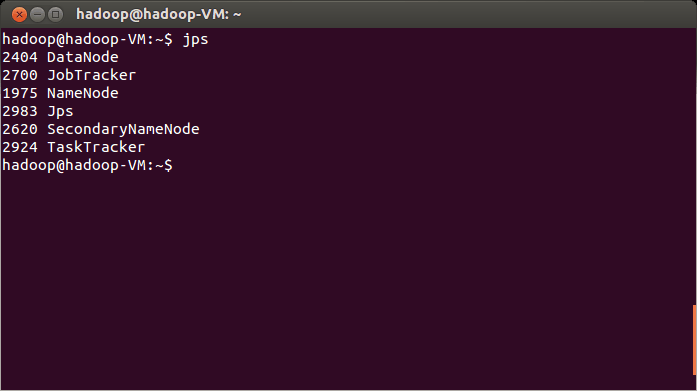
We'll take a minute to very briefly define these services first.
NameNode: a component of HDFS (Hadoop File System) that manages all the file system metadata, links, trees, directory structure, etc. You can track the status of NameNode on http://localhost:50070 in the browser of your machine (localhost can be some other address if you are not using standalone deployment).
SecondaryNameNode: no. This is not a backup, or replica of NameNode. The primary responsibility of SecondaryNameNode is maintaining the logs created by NameNode, since the size of the logs can become huge.
DataNode: this one handles the actual data. In a multi-node cluster, you may have more DataNodes. You make changes to the DataNode via NameNode.
JobTracker: this service relates to MapReduce jobs. It keeps the jobs given to Hadoop from client for processing. It talks to NameNode to find relevant data, then looks for most appropriate nodes in the cluster to assign tasks to. Additionally, it reassigns tasks when a node fails to do it. The status of JobTracker can be viewed on http://localhost:50030
TaskTracker: a node in the cluster that does the Map, Reduce and Shuffle operations assigned to it by JobTracker. It keeps sending Heartbeat messages to JobTracker to inform about its status.
Enough theory, let’s get back to real stuff.
We will begin with example of Word Count, provided with Hadoop and see how it goes. This utility does nothing fancy; it counts the number of occurrence of each word in a bunch of text files. Here are the steps to do so:
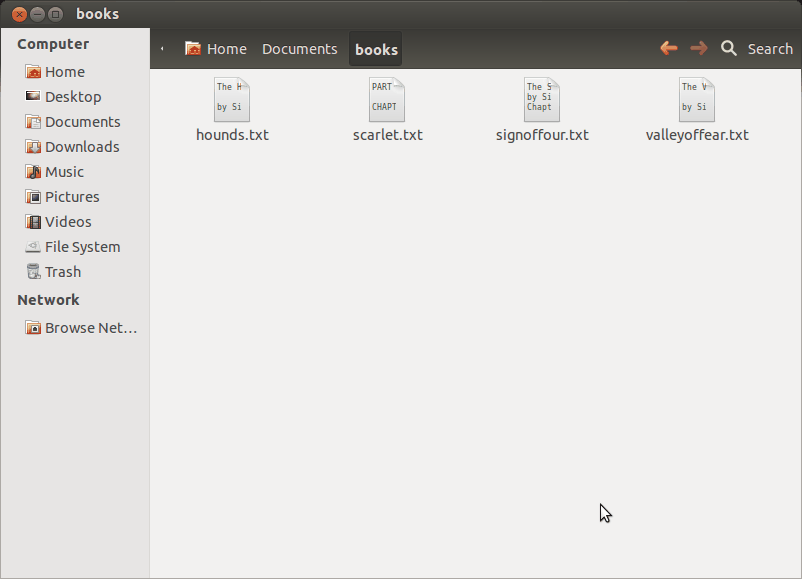
Fetch some plain text files (novels recommended), create a directory “books” in your Documents and copy these files in it. I’ll be using some novels of Sherlock Holmes I downloaded from http://www.readsherlock.com, but you can use any text files.
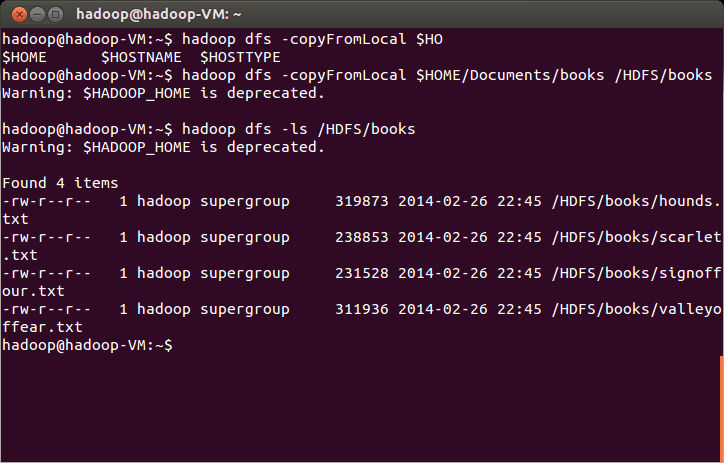
Copy these files into HDFS using dfs utility:$ hadoop dfs –copyFromLocal $HOME/Documents/books /HDFS/books
Confirm that these files have been copied using ls command
$ hadoop dfs –ls /HDFS/booksFinally, execute the example jar file given in Hadoop examples:
$ hadoop jar $HADOOP_HOME/hadoop-examples-1.2.1.jar wordcount /HDFS/books /HDFS/books/output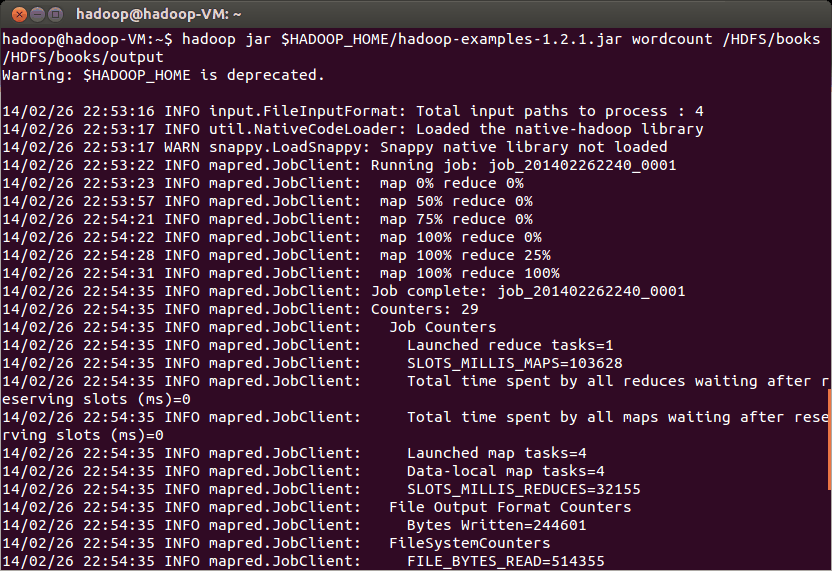
The MapReduce Job “wordcount” in the hadoop-examples jar will execute, pick the text files from /HDFS/books, count the occurrence of each unique word and write the output to /HDFS/books/output. You should also check the following on your web browser to trace the Job’s statuses:
http://localhost:50070
http://localhost:50060
http://localhost:50030
In order to collect the output file, run the following command:
$ hadoop dfs –getmerge /HDFS/books/output $HOME/Documents/books/The output file should now be in your Documents/books directory in readable form.